> For the complete documentation index, see [llms.txt](https://docs.ghostmarket.io/llms.txt). Markdown versions of documentation pages are available by appending `.md` to page URLs; this page is available as [Markdown](https://docs.ghostmarket.io/user-guides/platform-features-and-tools/nft-explorer.md).
# NFT Explorer
The best place to browse, track and discover NFTs. GhostMartket's NFT Explorer provides real-time digital asset tracking to help you to navigate NFT markets with transparency and confidence.
GhostMarket acts as a true NFT explorer for all of the integrated blockchains, allowing you to browse, track and discover all NFT collections currently existing on these blockchains.\
\
We currently handle the curation and addition of collections to the site (a collection is a group of one or more smart contracts tied together) manually, so if you need to have your own collection added, simply reach out to us and we will add it!
{% hint style="info" %}
"Self-Service" collection addition is coming soon!!
{% endhint %}
### Blockchain explorers provide verifiable insight into your NFTs.
Every time an NFT is minted or transferred, a transaction occurs on the associated blockchain.\
\
GhostMarket supported blockchains generally provide a public interface to view transactions and verify the provenance and history of each NFT. This public interface is referred to as an explorer.\
\
Each NFT profile has a link to its associated blockchain transaction.
#### For example:
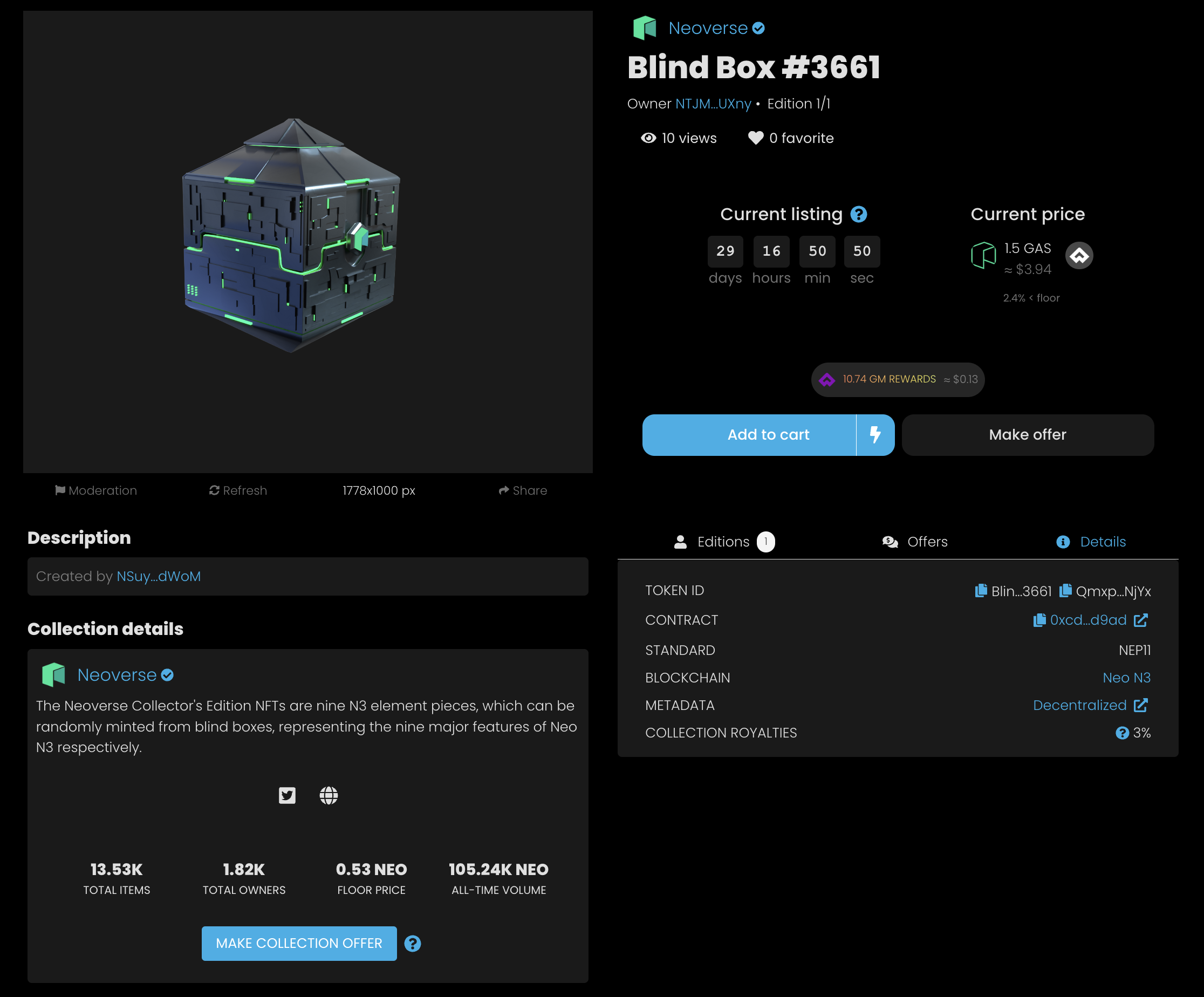
The NFT example below was minted on Neo and its profile includes a link to verify the associated blockchain transactions on Neo's public blockchain explorer called dora.
The NFT profile features a **Details** tab. Clicking the **contract** link will take you to **dora**, where you can see associated transactions with this particular NFT and the contract on which it was created: \